Bookings & Gigs
How do I post a gig or opportunity?
Posting a gig is for the side doing the booking — venues, promoters and agents. If you are an artist you apply to gigs rather than post them; see finding gigs.
Go to Bookings and choose Post a Gig.
Add the date, time, genre preferences and fee range. Every listing has to say what it pays — if the gig is unpaid (expenses, exposure or charity), switch on This gig is unpaid instead of entering a budget. Artists in matching cities and genres will then see it in their feed and can apply.
A few things make a listing work harder: a realistic fee range, a clear genre, and enough detail about the room and the night that an artist can tell whether they fit. Vague listings get vague applicants.
If you are not sure what to offer, the rate calculator gives typical UK fees for the kind of gig and room size you are booking.
You can also browse the public gig directory to see what else is already listed in your area.
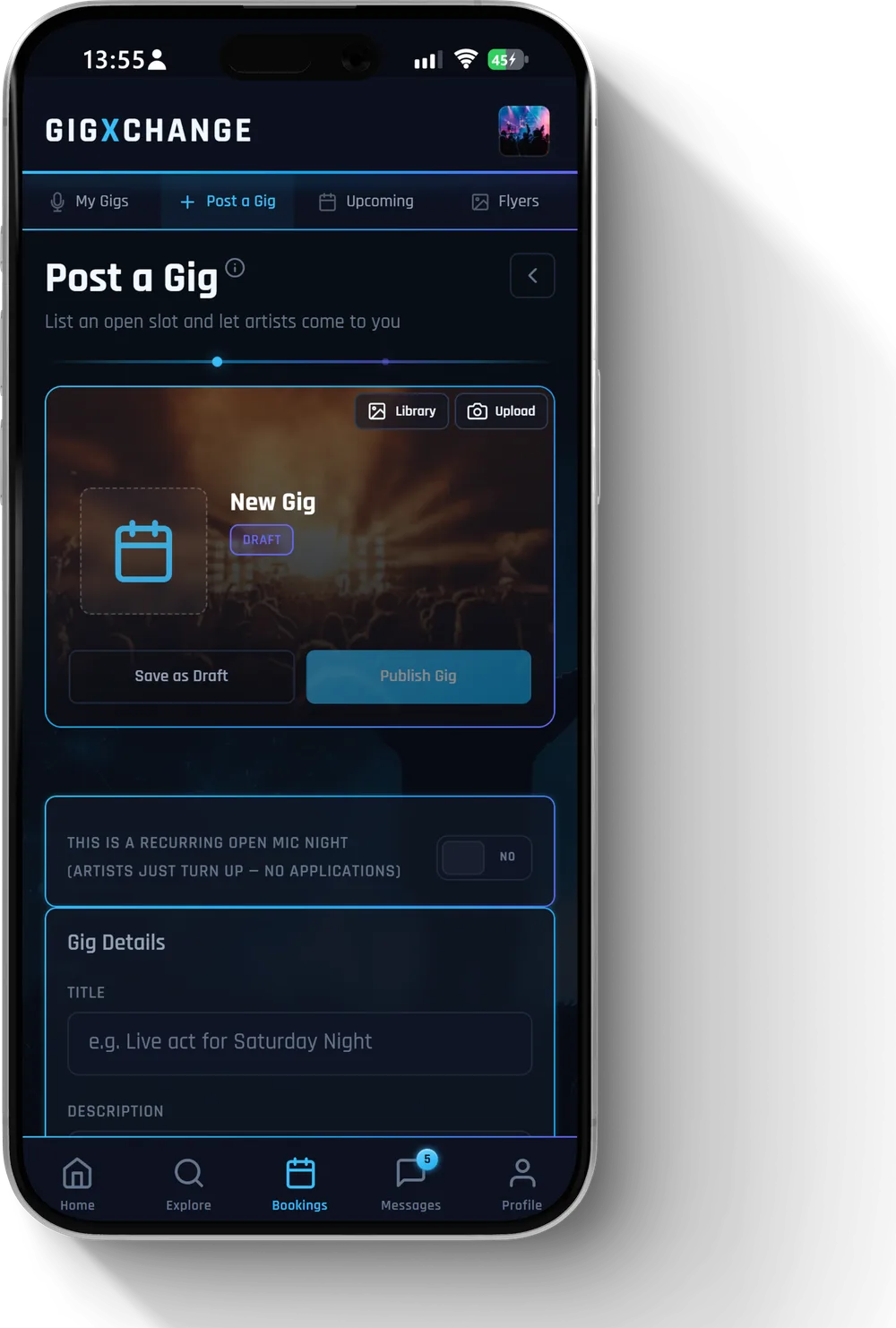 See it in the app Post a Gig — date, location, genre and fee range
 All 24 Bookings & Gigs answers · Help Centre · Still stuck? Contact us