Messages
How does messaging work?
Every member has a built-in inbox. Go to Messages, press New message, and start a conversation with any profile on the platform — you do not need a booking first. To start a new conversation your profile must be complete; see why can't I send a message yet?.
Messages are threaded per conversation and stay in your account, so the whole history of a working relationship is in one place. They deliver in real time, and queue automatically if you go offline.
A small mark beside each message you send shows where it has got to: a hollow circle while it is sending, one tick once it is delivered, two ticks once it has been read. The words behind those marks — Queued while you are offline, Still sending if it is taking a while — appear when you hover on a computer; on a phone you see the mark change, and Still sending… is spelled out beside it. If a send fails, the bubble keeps your exact words and shows Not sent · Tap to retry — tap it to send again. Nothing you type is lost.
Messaging is free. There is no credit system and nothing behind a paywall.
Because booking offers are sent as cards inside the chat, the negotiation and the agreement end up in the same thread — you are not cross-referencing an email against a text message six weeks later.
See how do bookings work? for sending an offer from a conversation. To send files, links or your availability, or to keep several bookings in one chat, see can I send files, links or my availability in a chat?
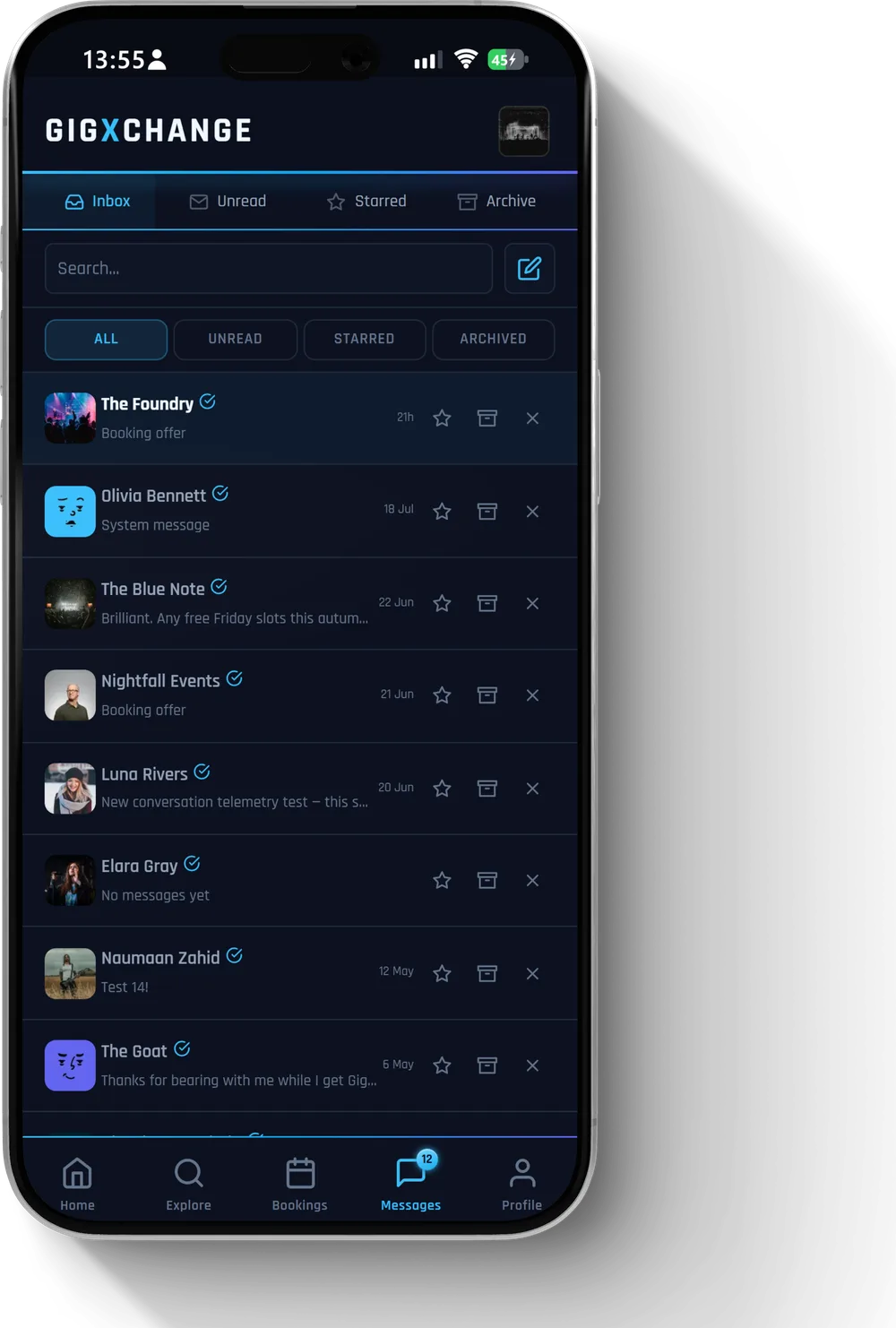 See it in the app Your inbox — every conversation in one list
 All 4 Messages answers · Help Centre · Still stuck? Contact us