Your Account
Can I delete my account?
Yes. Go to Settings, open Account, and scroll to Danger zone, then choose Delete account. A Delete Account dialog opens. You will be asked to type DELETE to confirm.
Two things to know before you do:
- You can request deletion at any time — but if you have a live booking or an open dispute, your profile is hidden while the final erasure waits until it is resolved, so the other party is never left stranded.
- There is a 28-day grace period. Your profile is hidden immediately, but your data is not erased yet, and you can still cancel the request during that window — you are signed out as soon as you ask for deletion, so cancelling means signing back in with the same details. After 28 days (and once any outstanding booking is resolved) it is permanently deleted.
So deleting is reversible for four weeks, then final. If you are stepping away rather than leaving for good, the grace period means you are not making a permanent decision on a bad day.
Full detail on what is erased and what is retained is in our Privacy Policy.
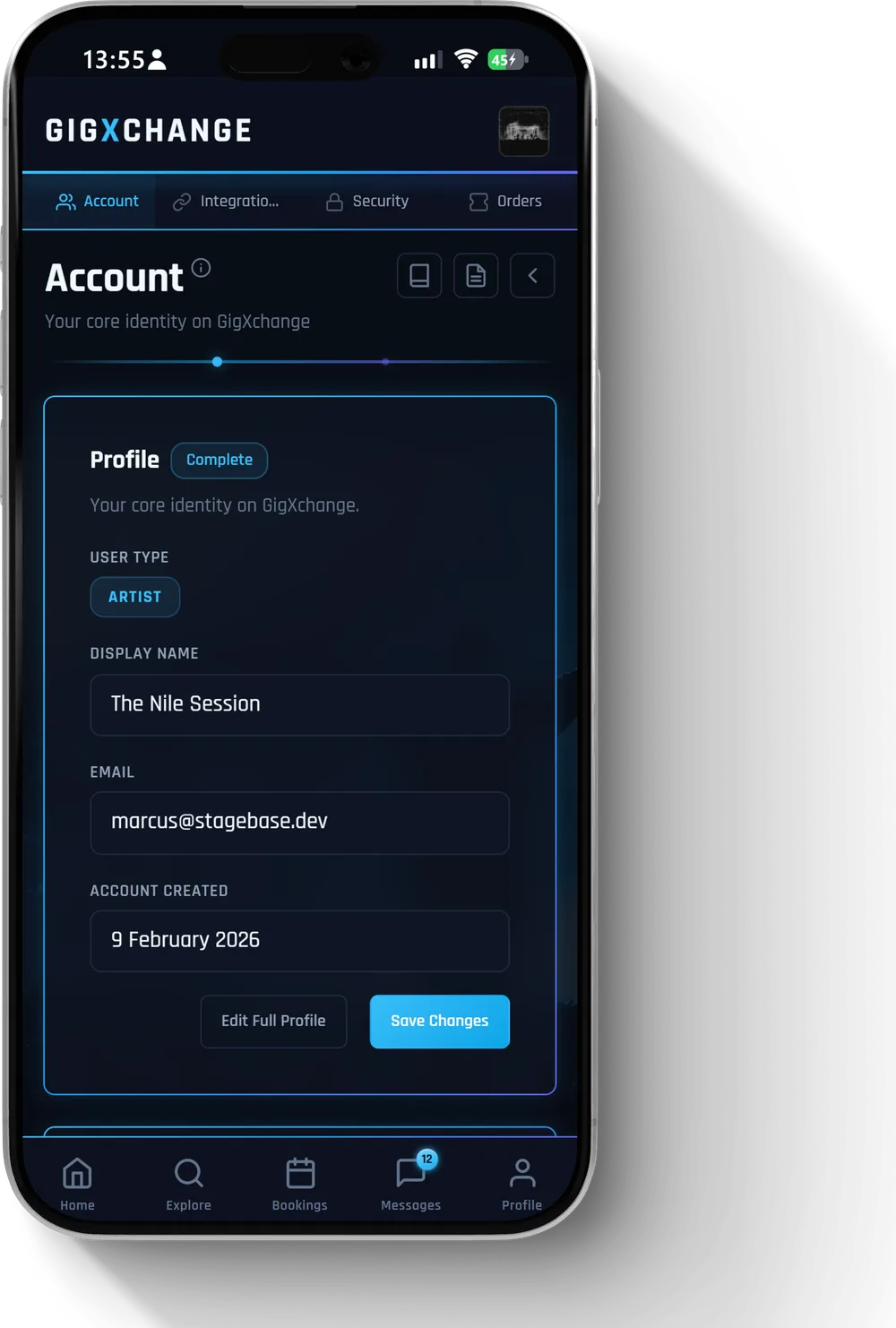 See it in the app Settings > Account, where the Danger zone lives
 All 16 Your Account answers · Help Centre · Still stuck? Contact us